Replace tool sprawl
Bring planning, docs, chat, and reporting into one workspace.
Project management, collaboration, and productivity software for teams
One workspace for projects, team chat, docs, calendars, and analytics so your team can ship faster.
Why teams choose Komore
Teams often juggle too many tools for planning, communication, documents, and reporting. Komore keeps all of it in one connected workspace.
Bring planning, docs, chat, and reporting into one workspace.
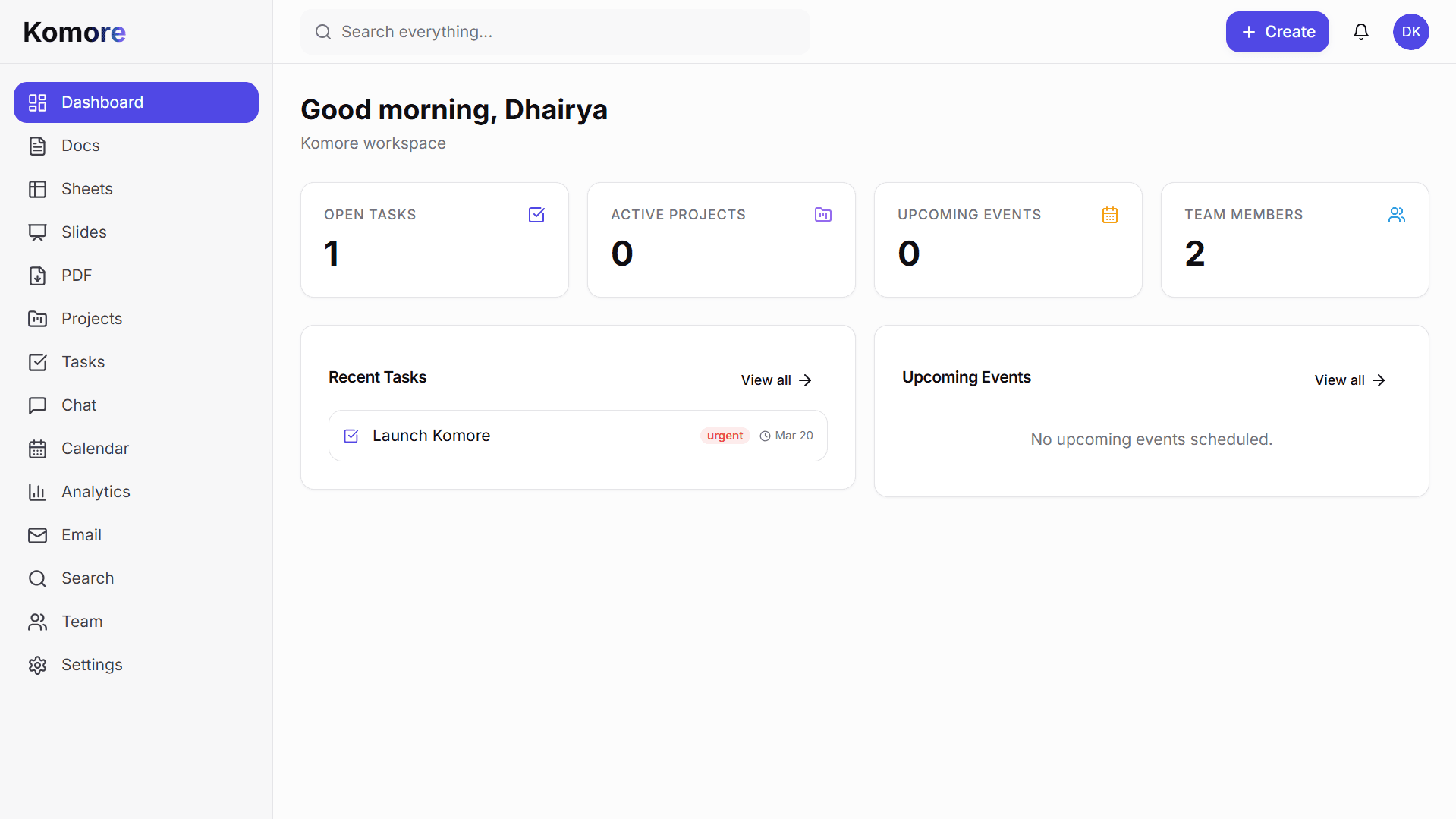
Keep plans, discussions, and handoffs close to the work.
Get visibility without creating extra reporting rituals.
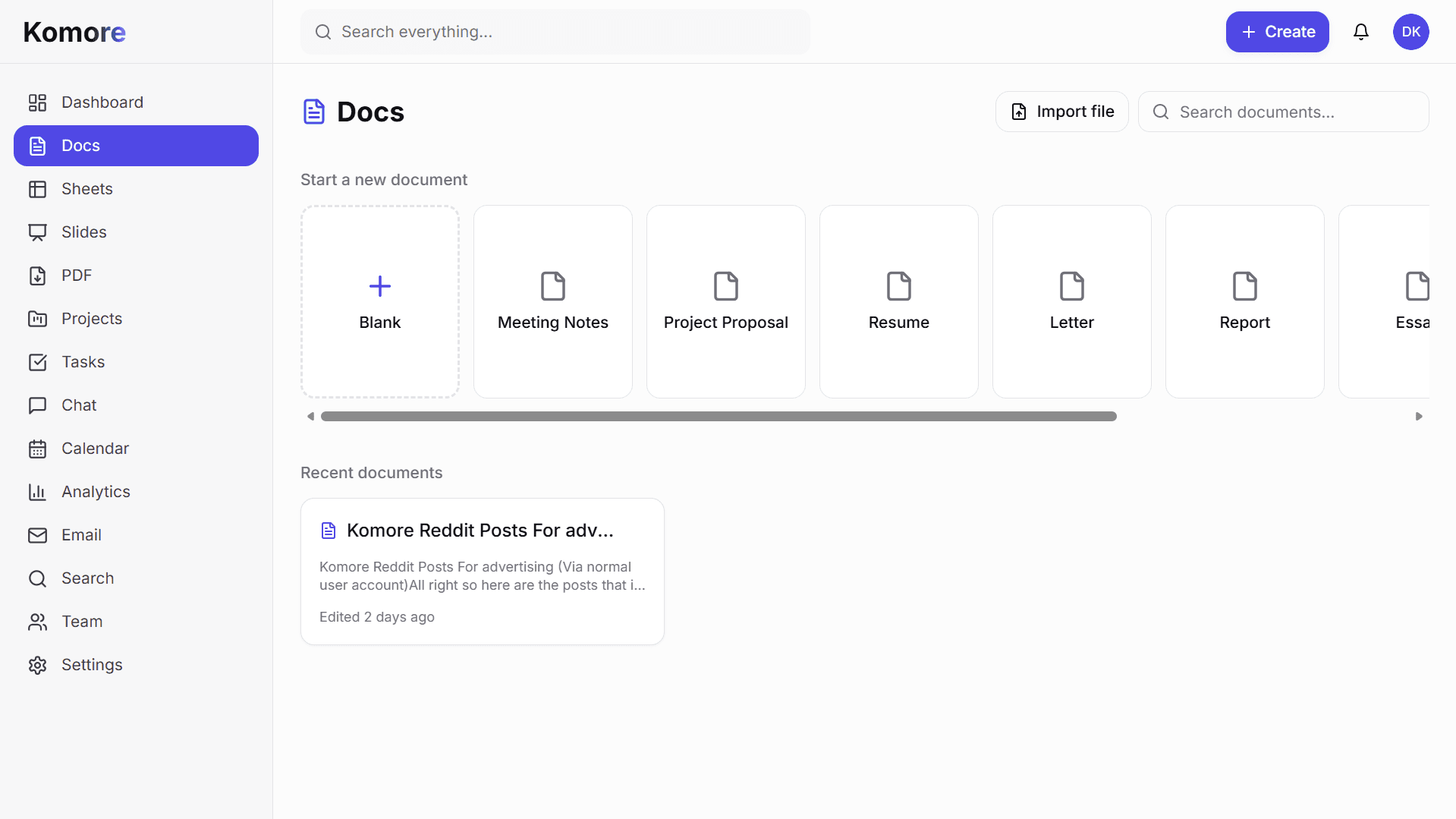
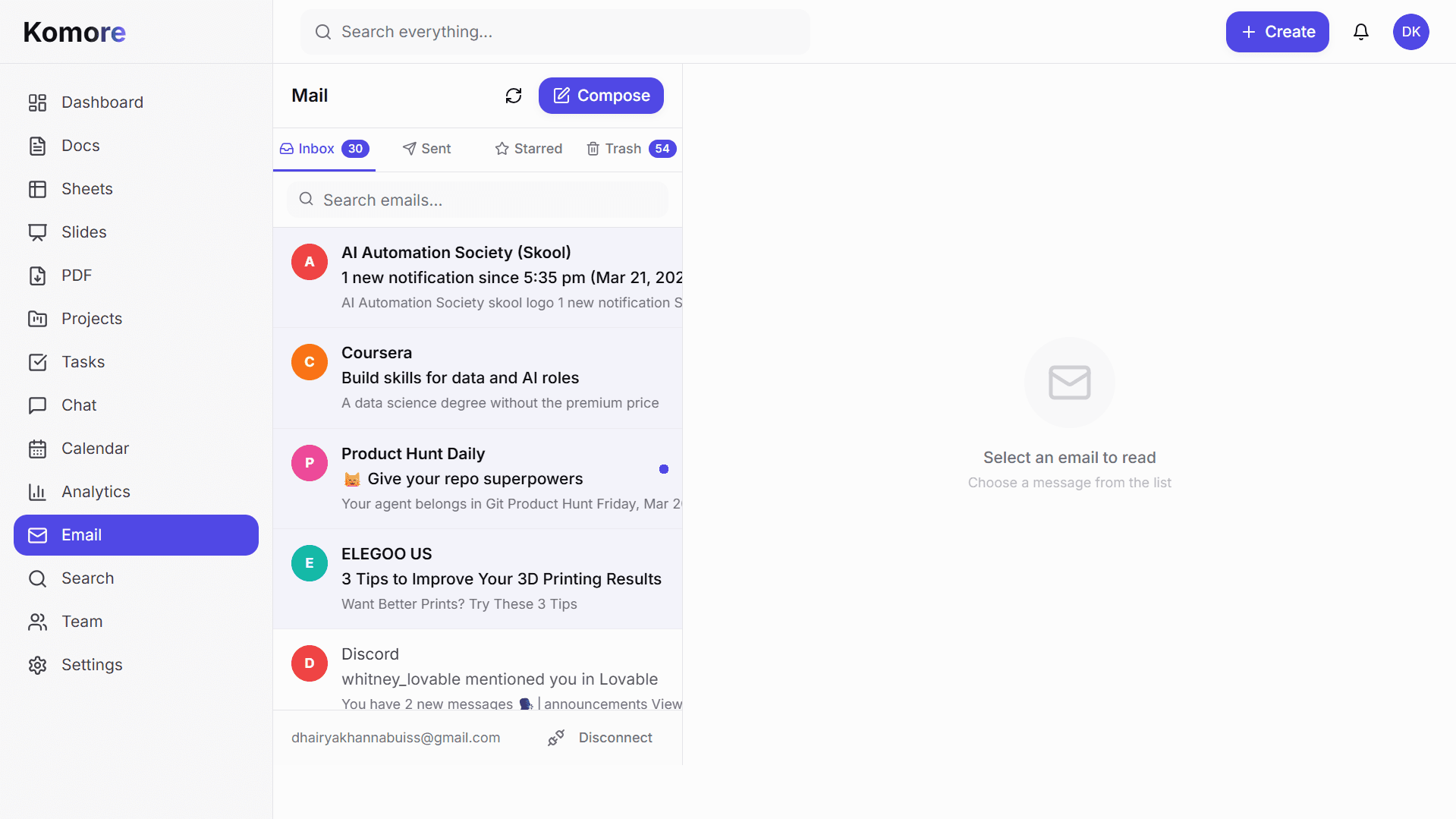
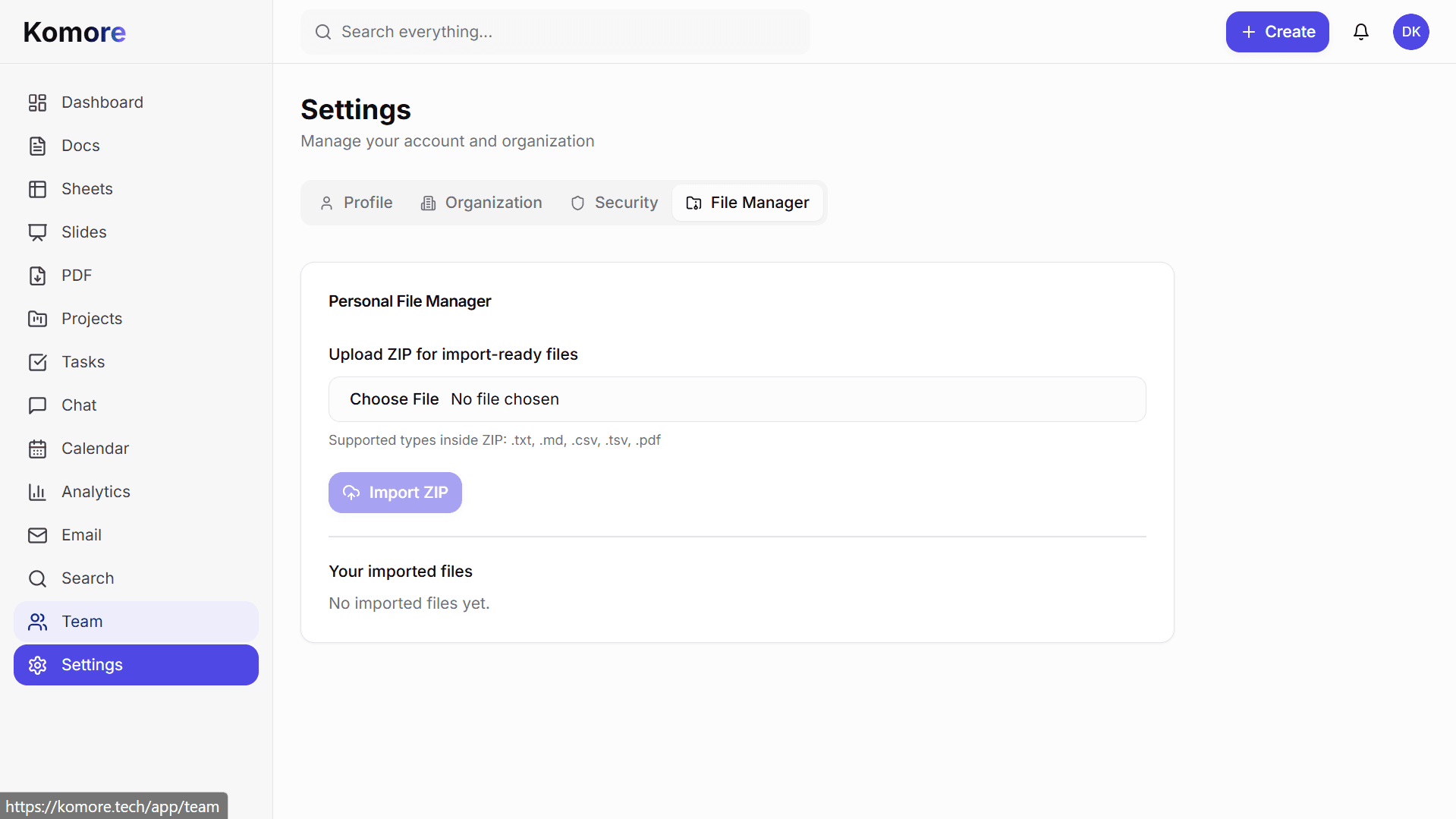
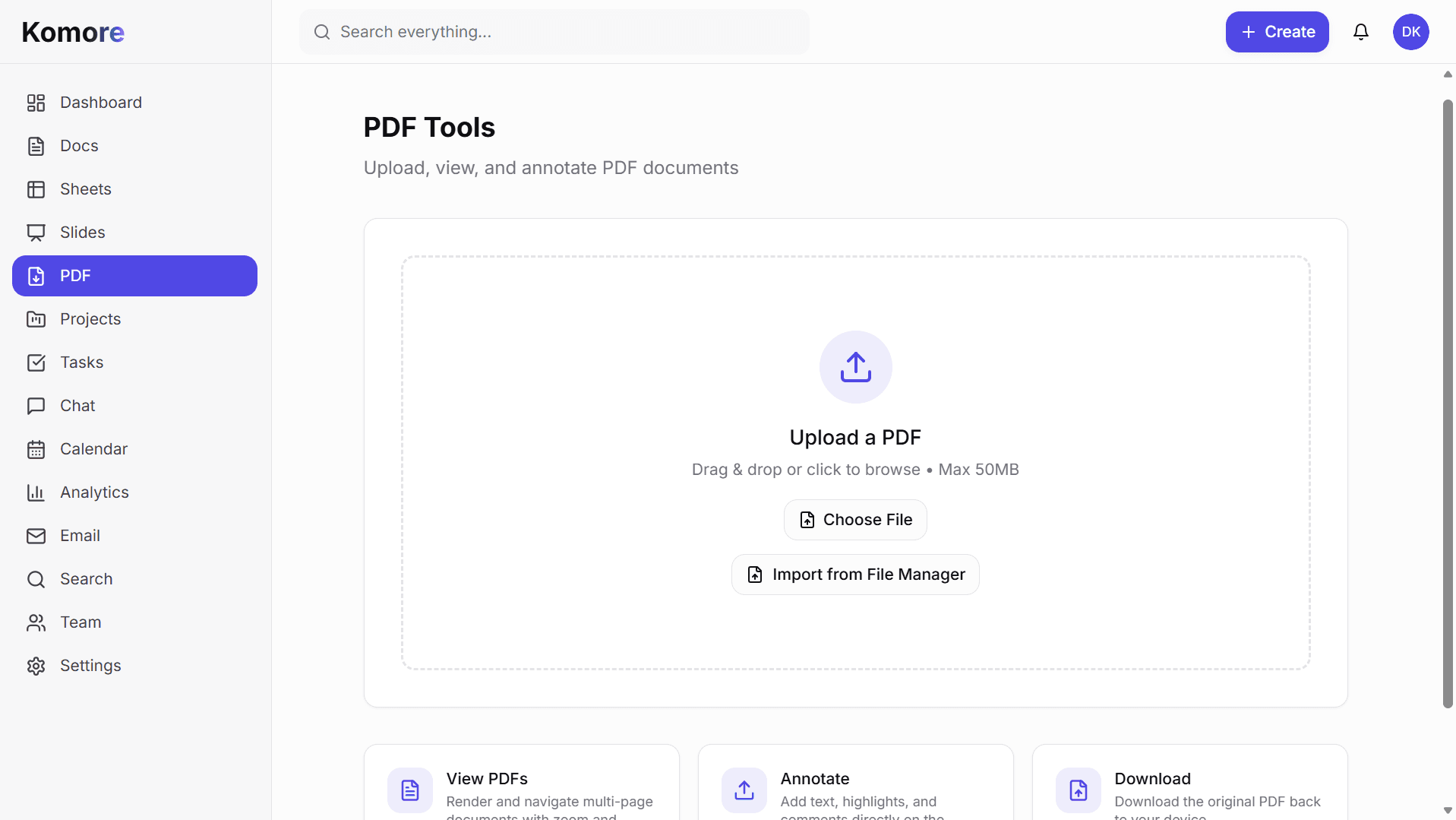
Inside Komore
Hover to pause. Tap any image to open it clearly.
Admin Controls
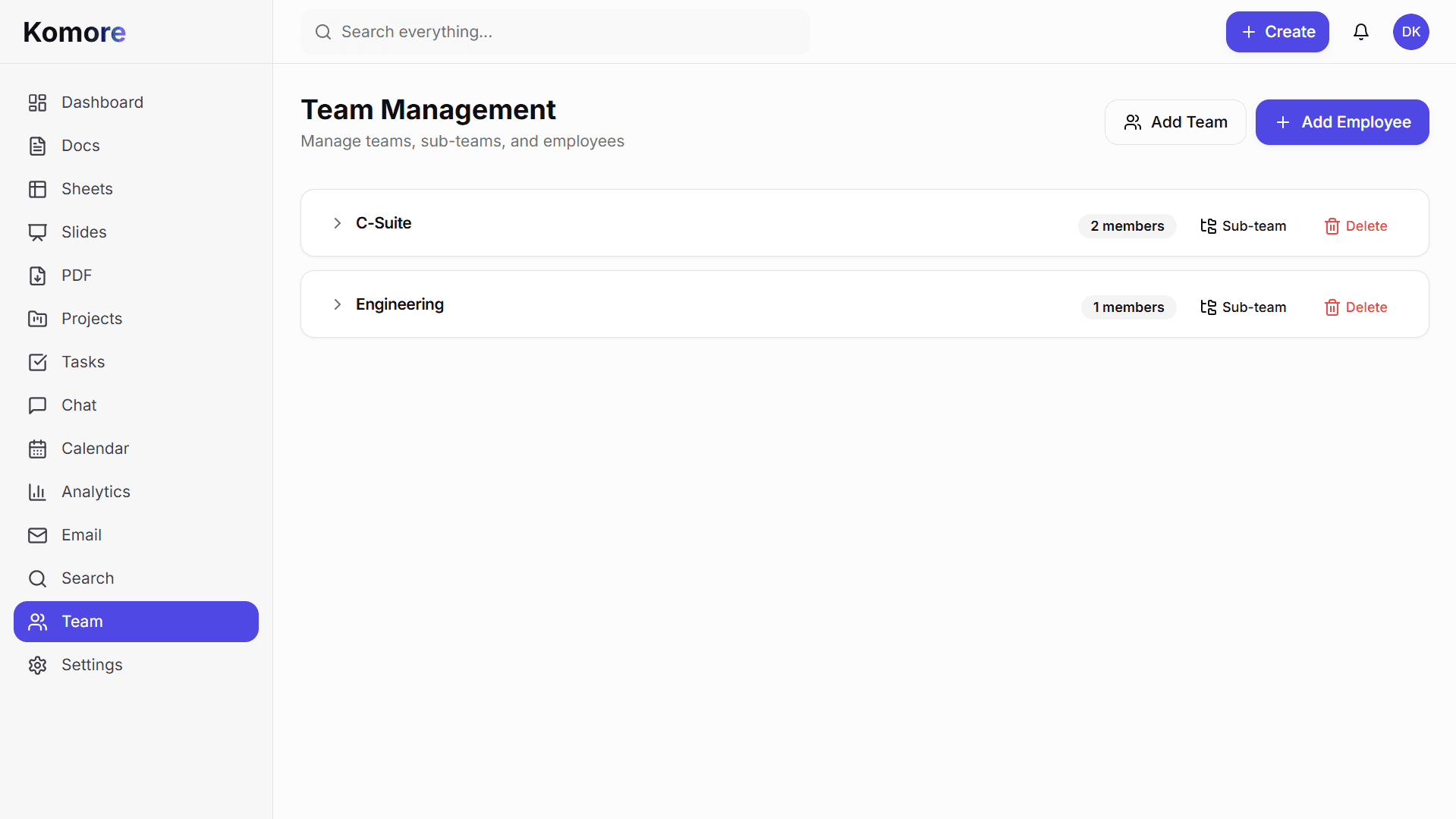
Admins define what each position can do in Komore. When you create a new employee and assign them a position, they automatically get the right permissions—no manual setup needed. Control who manages teams, reviews reports, creates content, and accesses sensitive information based on their role.
Admins define custom roles for each position in the organization, with specific powers and responsibilities assigned.
Control exactly what each role can do: view projects, create tasks, manage teams, access reports, edit docs, and more.
Give team leads and managers the right level of control without exposing sensitive company information or full admin access.
Set up roles once during onboarding, then Komore automatically applies the right permissions when you add new employees in those positions.
Tasks, chat, docs, and analytics work together in one connected system.
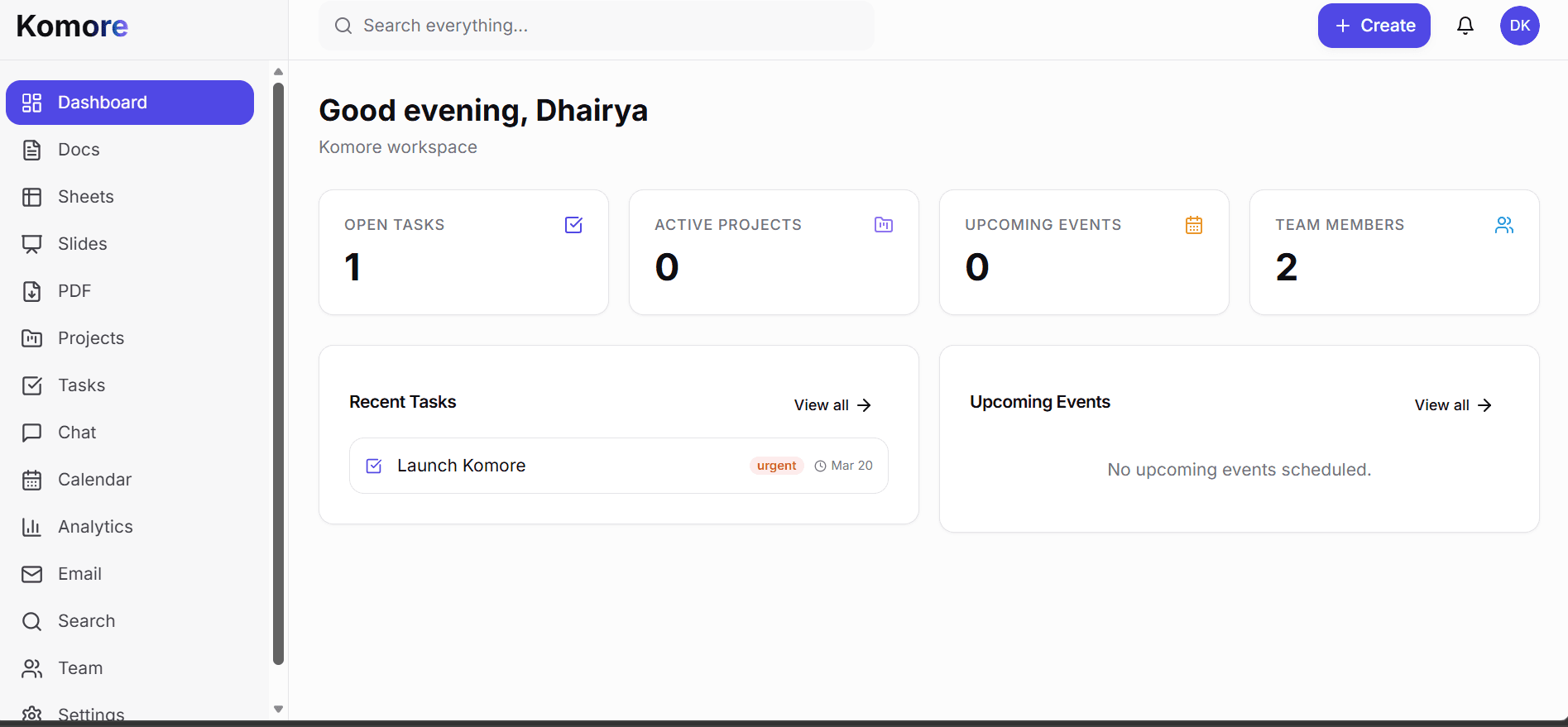
A clean view of priorities, deadlines, and team activity.
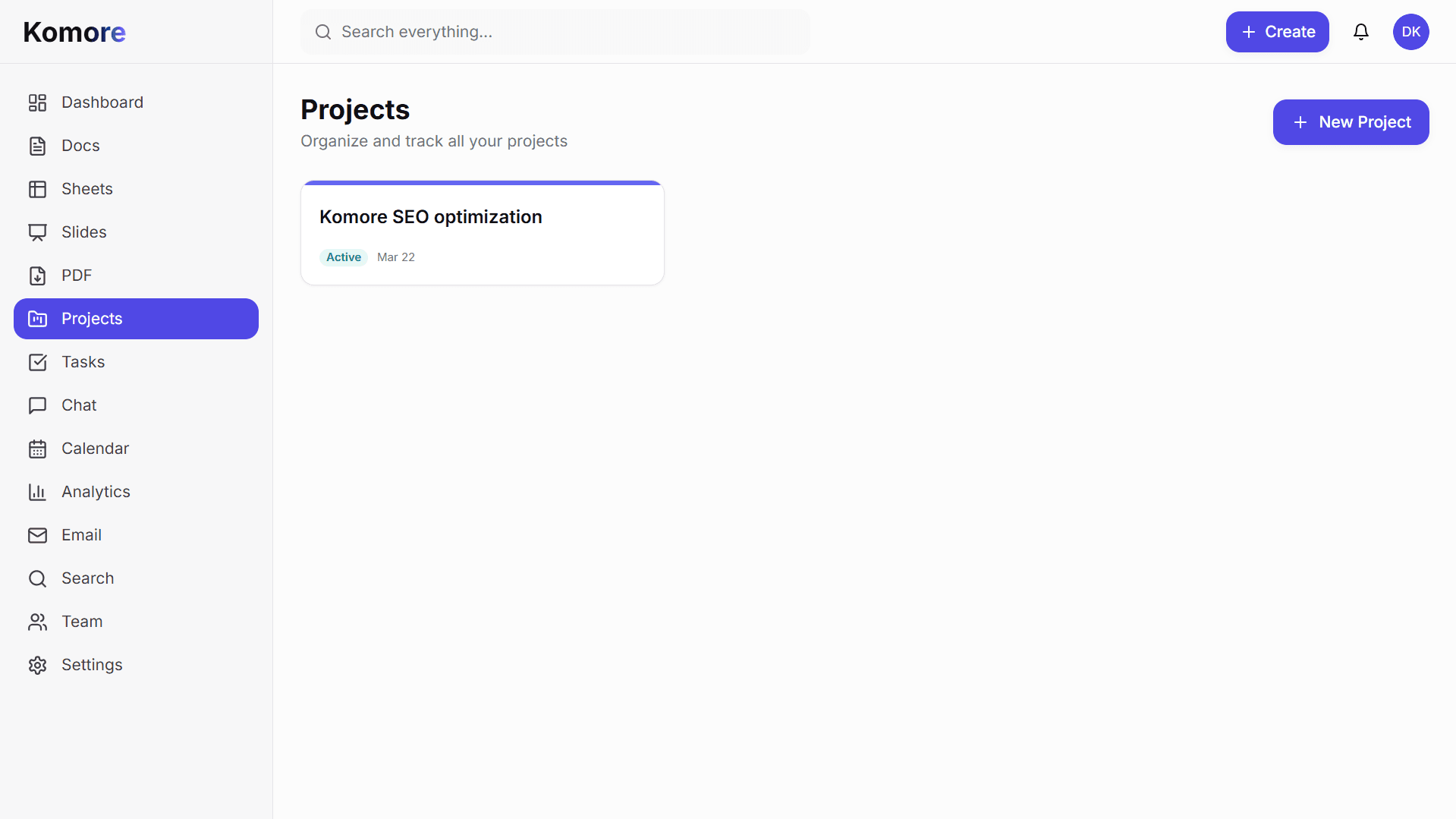
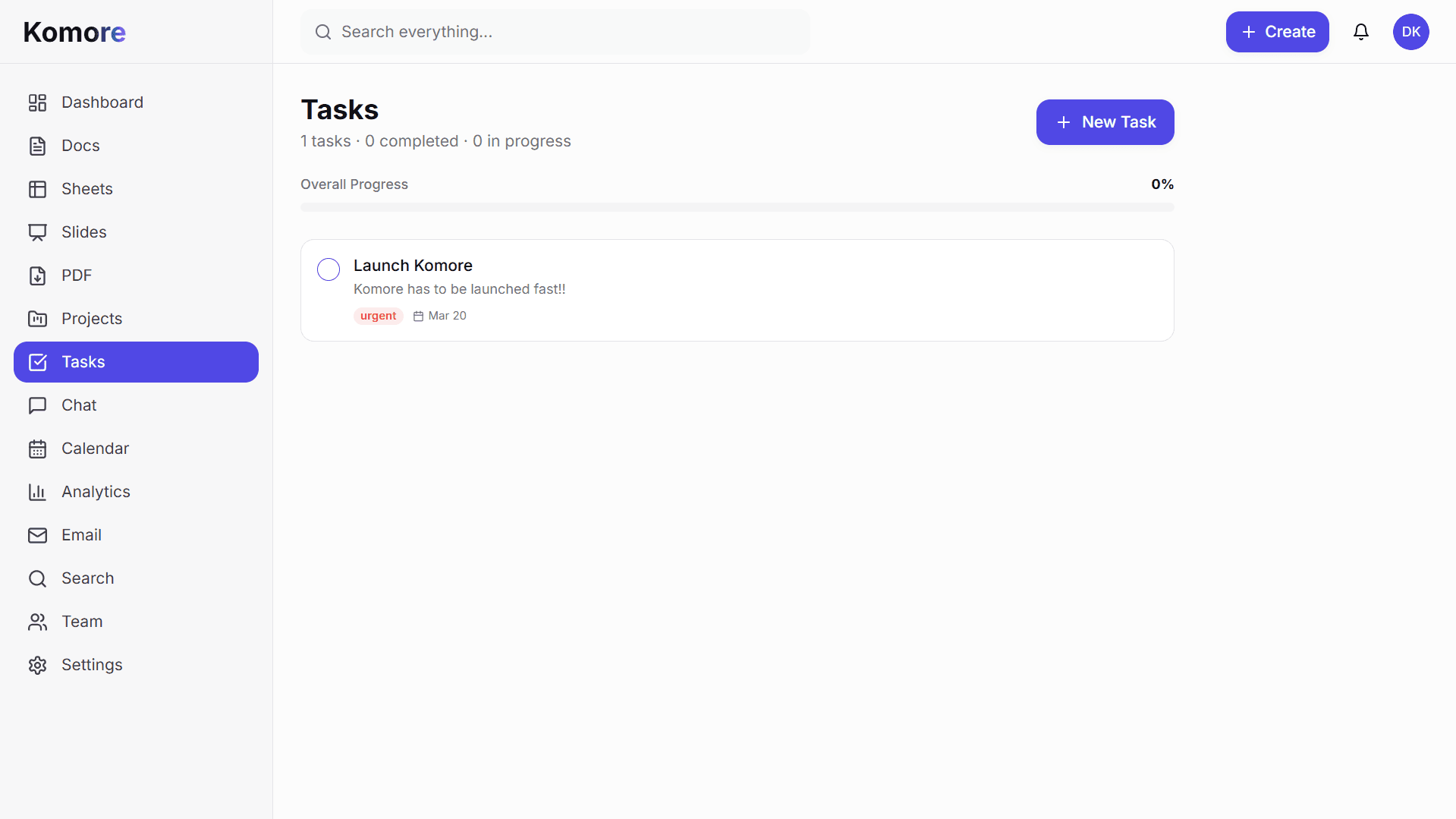
Boards, lists, ownership, and status tracking for active work.
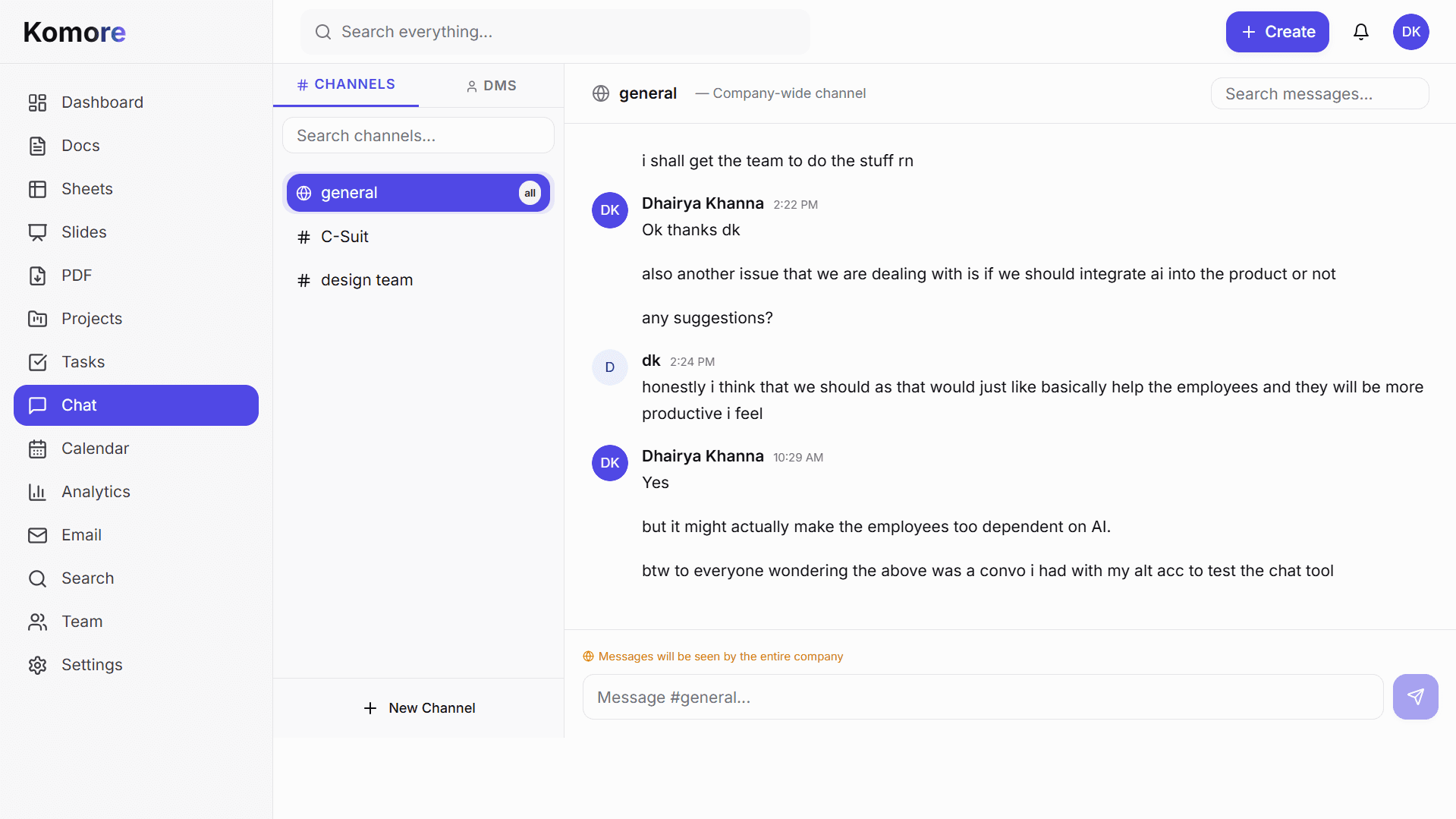
Channels and direct chat tied directly to your projects.
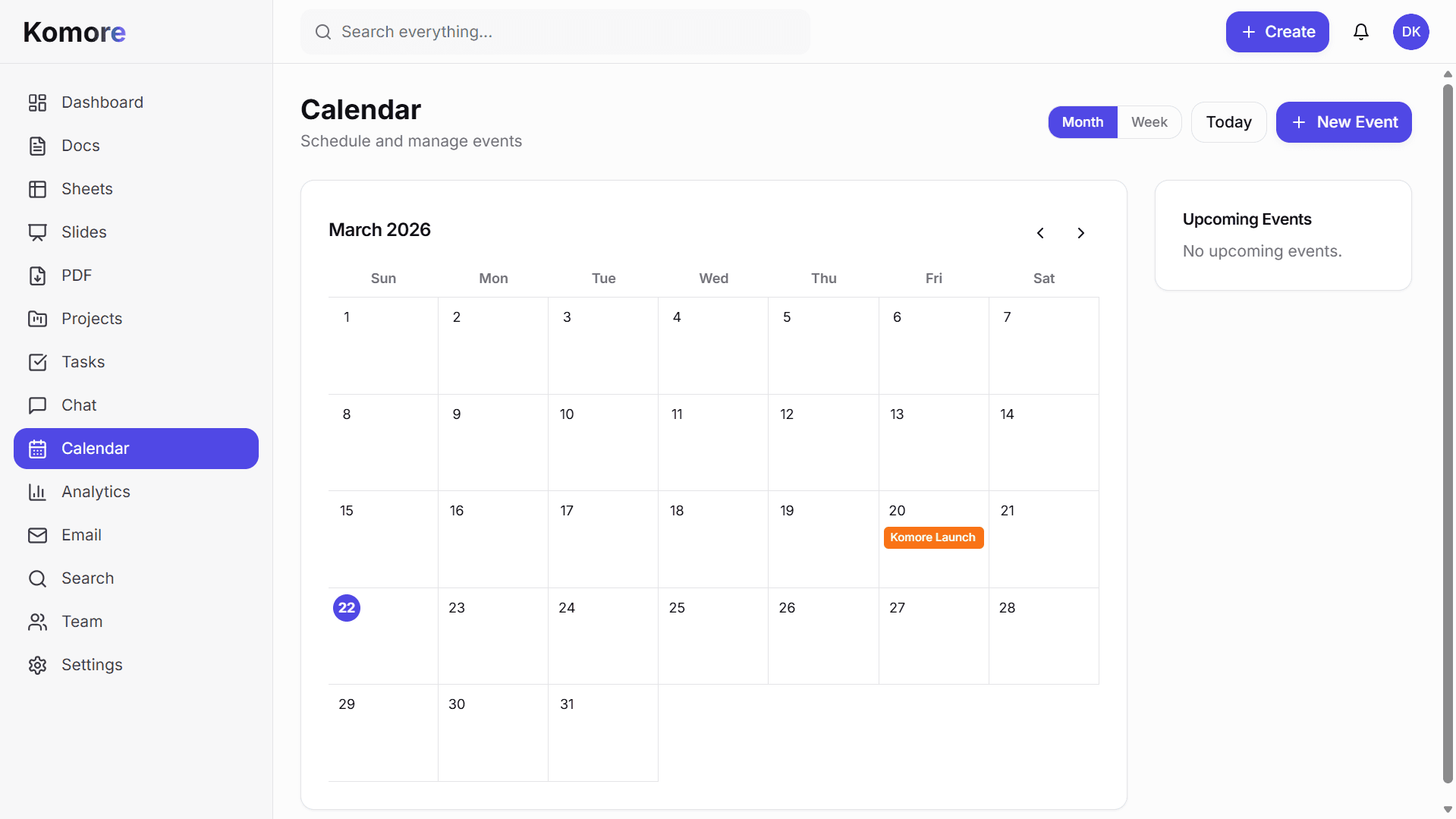
Coordinate meetings, milestones, and launches in one calendar.
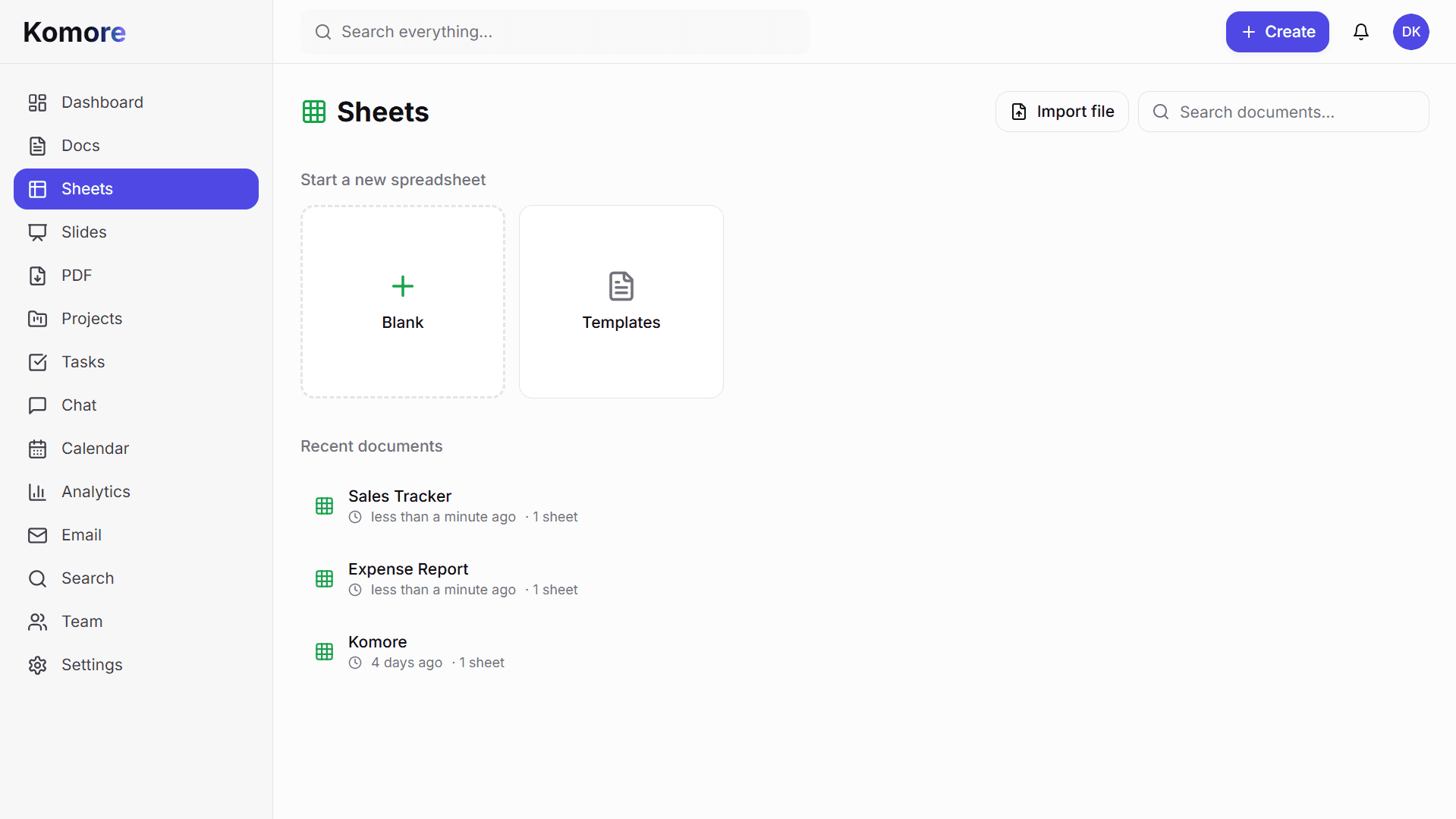
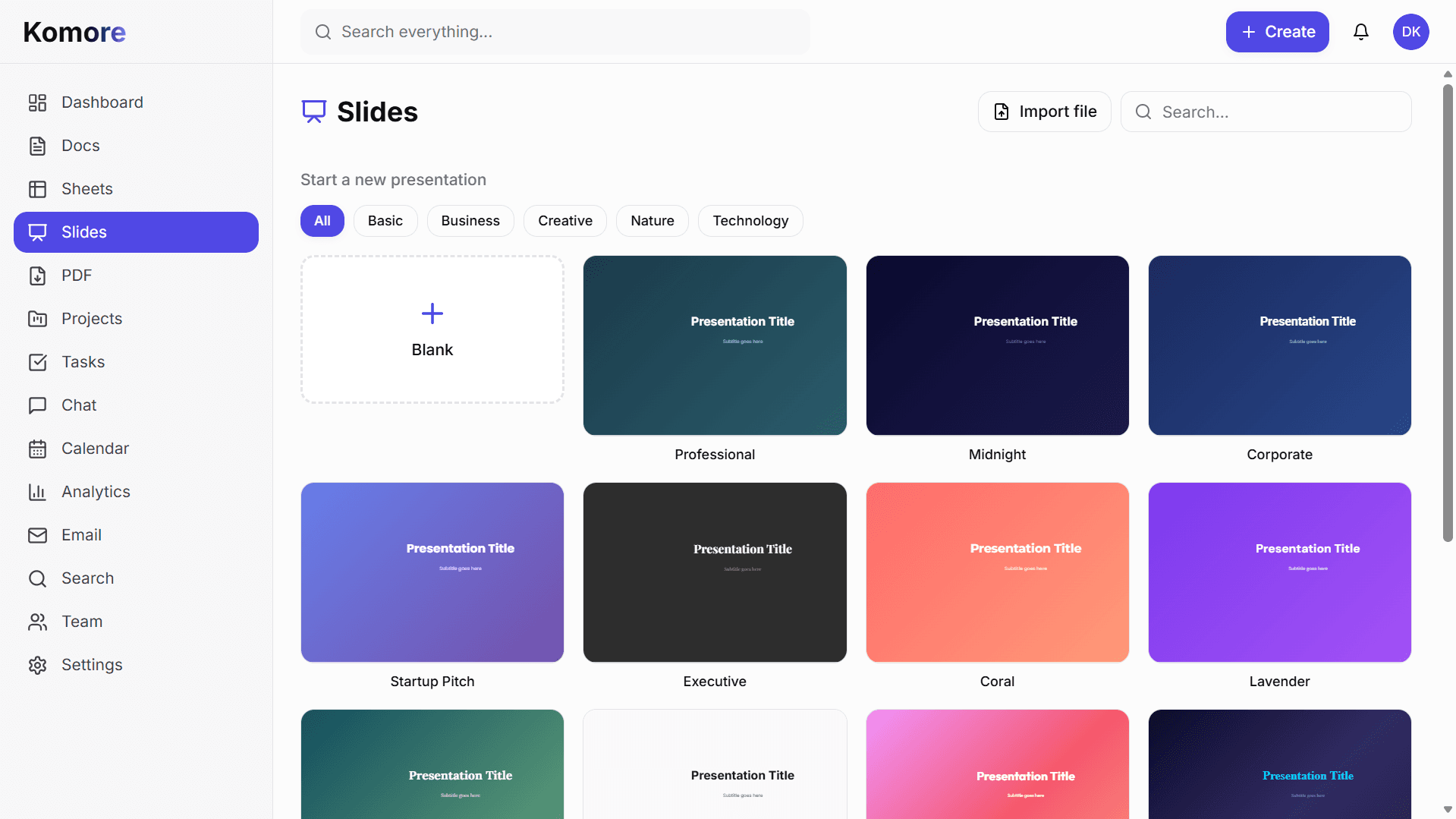
Write docs and SOPs in one searchable, shared knowledge base.
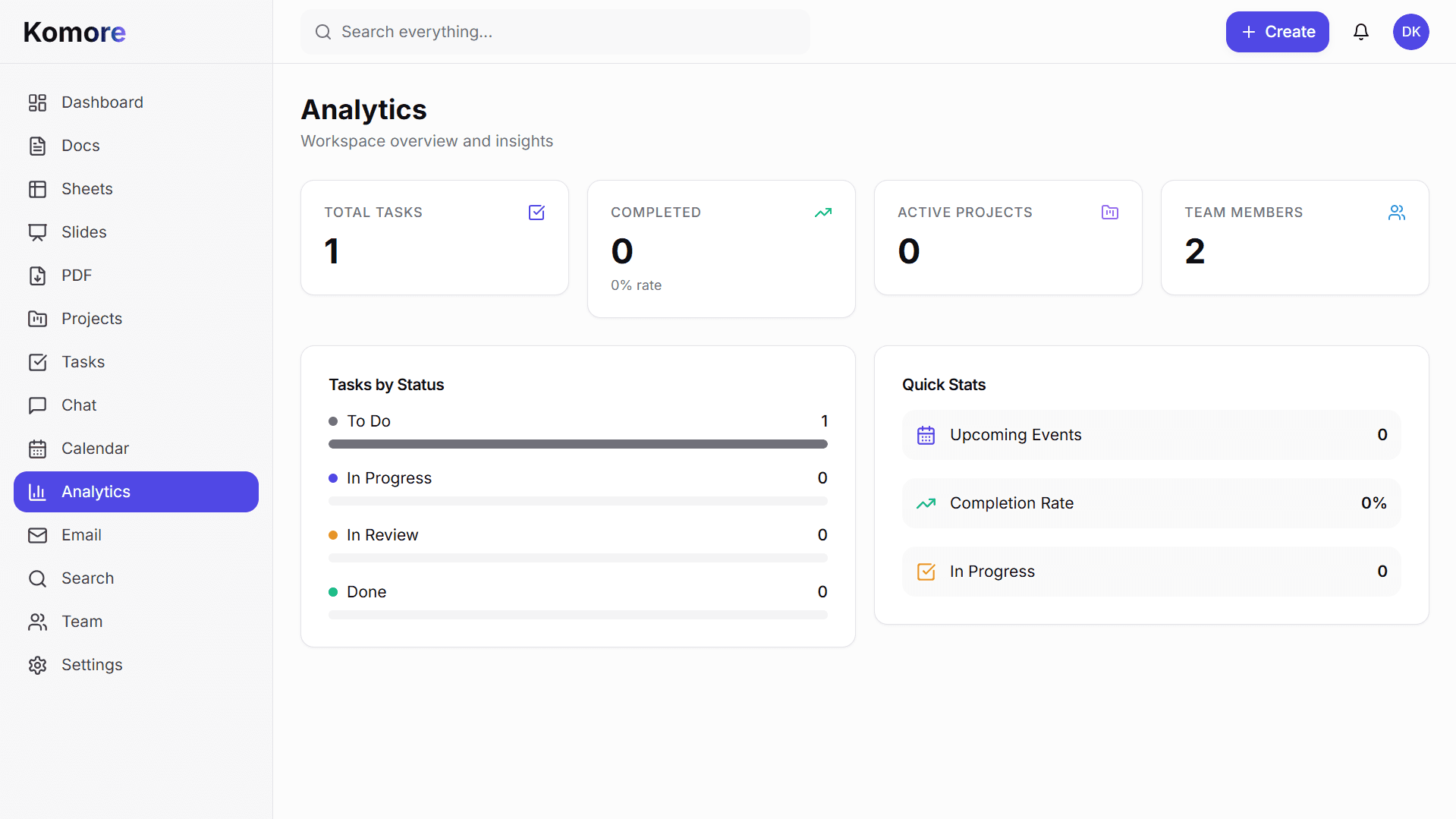
Track progress with built-in dashboards and simple reporting.
Find docs, tasks, and conversations instantly across the workspace.
Set clear role permissions so everyone gets the right access.
Plan work, communicate in context, and measure outcomes in one connected system.
Organize initiatives with boards, lists, milestones, and clear ownership.
Discuss work in context through channels and direct chat.
Review activity and trends in one place.
How the workspace flows
Three simple phases teams can follow every week.
Set goals, owners, and requirements in one place before execution starts.
Track tasks, updates, and handoffs clearly without constant status chasing.
Review outcomes, improve repeatability, and keep learnings for the next cycle.
Flexible enough for product, agency, and internal operations teams.
Plan launches, write specs, and track delivery without tool switching.
Manage deliverables, internal ops, and reusable knowledge in one place.
Standardize recurring work and make company knowledge easy to find.
Komore is built for teams that want less fragmentation, cleaner handoffs, and a more reliable place to run everyday work.
Combine planning, documentation, communication, reporting, and knowledge management in one product.
Useful for growing teams that need accountability, visibility, and repeatable workflows across departments.
Company-scoped access and organized collaboration make work easier to manage as the team scales.
A browser-based system that supports planning, writing, reporting, and communication from one interface.
Teams evaluating software are usually trying to solve the same recurring issues: work split across too many apps, weak visibility into progress, and documentation that drifts away from the work it is supposed to support.
Komore positions the workspace as the center of execution so planning, communication, reporting, and company knowledge stay more connected as the organization grows.
Choose the plan that fits your team. Replace your project management tool, team chat app, docs platform, and spreadsheet software with Komore at a fraction of the cost of keeping them separate.
The real cost is the time teams waste context-switching between project management, team chat, docs, and other tools. Consolidation saves money and keeps teams focused on work instead of managing software.
Komore is built for startups, small businesses, and distributed teams that need one connected platform for task management, team communication, documentation, reporting, and shared knowledge. It replaces your fragmented tech stack with one workspace.
Per organization, billed monthly
14-day cancellation window. See full cancellation policy
Per organization, billed annually
30-day partial cancellation window. See full cancellation policy
Pick the angle that matters most right now.
Explore docs, tasks, chat, analytics, search, and collaboration in one flow.
Open pageSee why Komore was built and how it supports modern team workflows.
Open pageRead updates, practical workflow guides, and implementation ideas from the team.
Open pageThese questions cover how teams evaluate Komore in day to day work. They focus on adoption, workflow fit, and practical collaboration outcomes.
Replace your stack of project management software, team collaboration tools, and document platforms with Komore. Give your team one workspace for planning, communication, documentation, and reporting. Scale without friction.